Showing posts with label UDK. Show all posts

Wednesday, August 3, 2011

Unreal UDK Level 03

I haven't posted anything about my Unreal level for a few days, so I thought it was about time to put something new up!

First, here is what my concept of the roof is. I looked through a bunch of photos of old temples and structures, and I came up with this. 
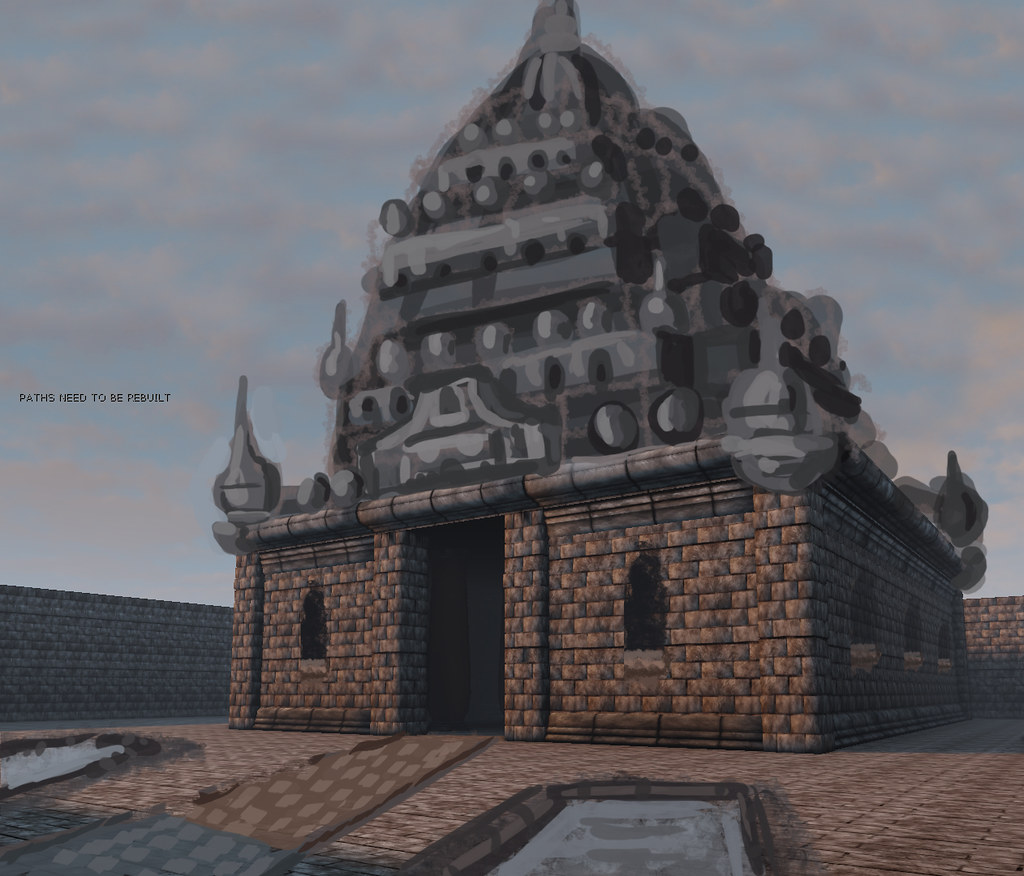


I did it as a paintover to save time, and to see what it would more accurately look like in the level.

After I had an idea of what I was shooting for, I started putting stuff together, and making meshes. The new meshes here are really so simple it is not worth showing them in detail. I just wanted to get something in there and start building. I might replace them with something fancier in the future.

Here is what it looked like after I started blocking in details.
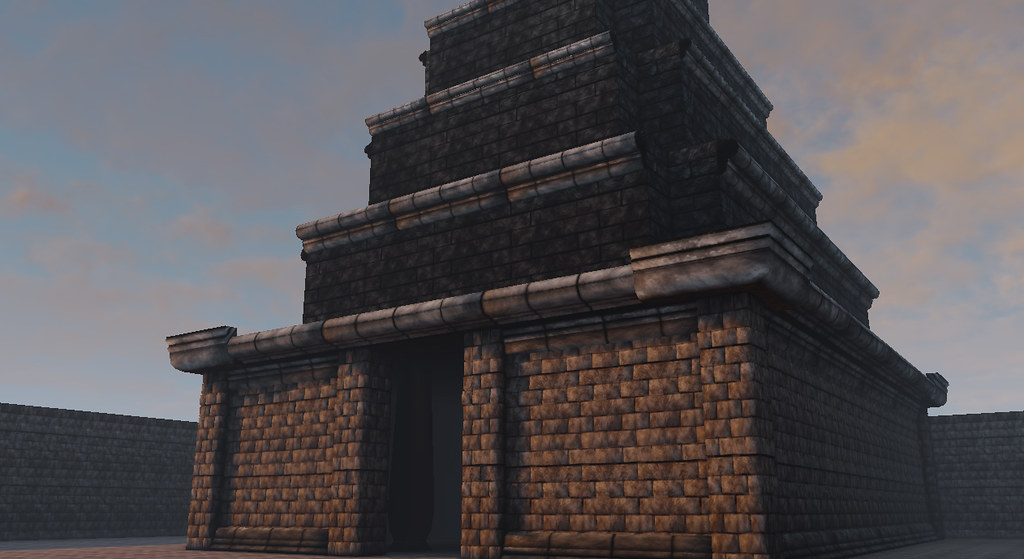


After I got the basic shape down, I started adding meshes, and retweaking shapes to fit my needs. After a bit of that I got this.

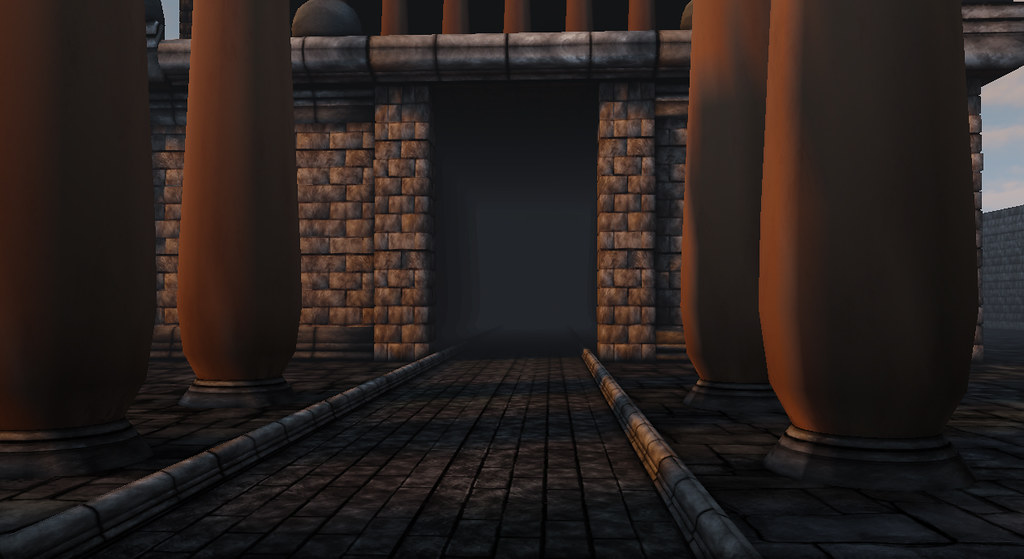


I painted a new texture for the ground from scratch. It is entirely hand painted, except for the normal map which was generated from the painting.


Here it is in the engine.


Here is a quick progress of the texture...

Click for a closer look!


Next on the agenda, building the pools, and the altar...

Well folks, that is all for now... Hopefully I'll finish soon, so I can put this project to rest..

Friday, July 29, 2011

Unreal UDK Level 02

I realized after my last post, that the image of the pillar was screwed up. This was because I originally built the mesh with holes in the top and bottom and used a brush to create its shadow. Also, I forgot to turn on cast shadows inside the mesh properties.. silly me...

After the post, I went back and capped the ends, this makes it so that UDK will calculate lighting for it, and therefore make it look better and save me a lot of time.

After all of that, this is what it now looks like.


There is still some strange stuff going on on the darkside. I think that has to do with unused topology. Maybe I should clean that up.

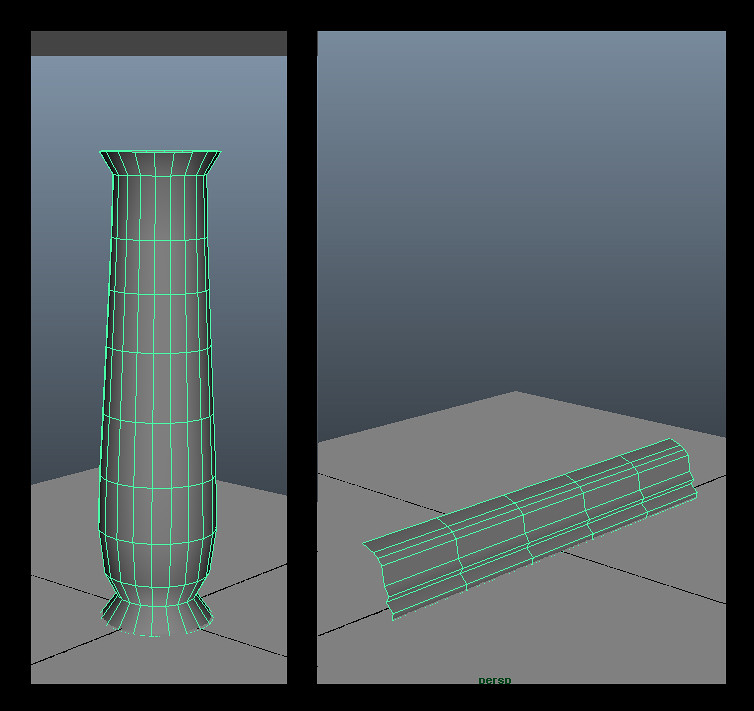
Well, After I more or less finished the wall and the first pillar I made a simple column and a border. These are both super simple meshes. I like to keep things as simple as possible when more detail is not necessary.


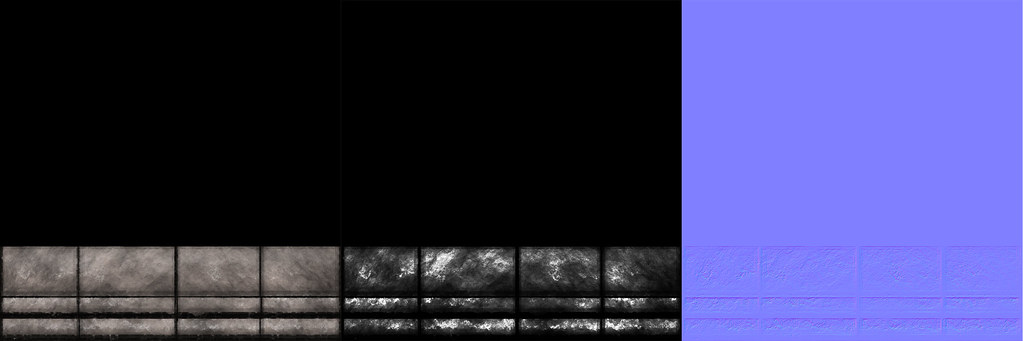
Here are the textures for both these objects. The pillars base texture was all painted. The border was a mix of filters and painting just like the stones. I forgot to mention in my last post that the normal maps i am using are just generated from the texture. I didn't feel it was necessary to bring these models into zbrush for this project. They look good enough without it.


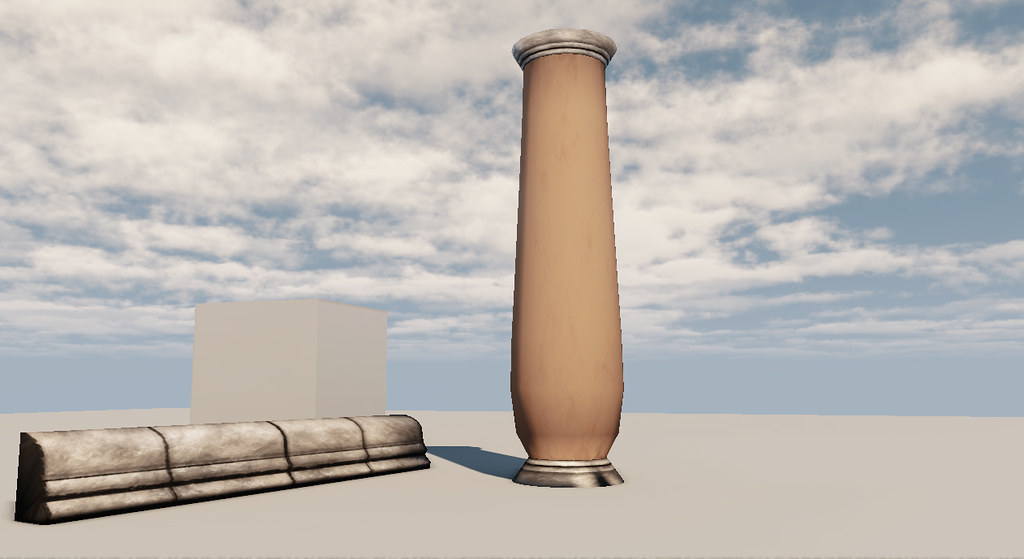
Here is what they look like in the engine when I imported them. As you might be able to see, I also capped these ones off too.


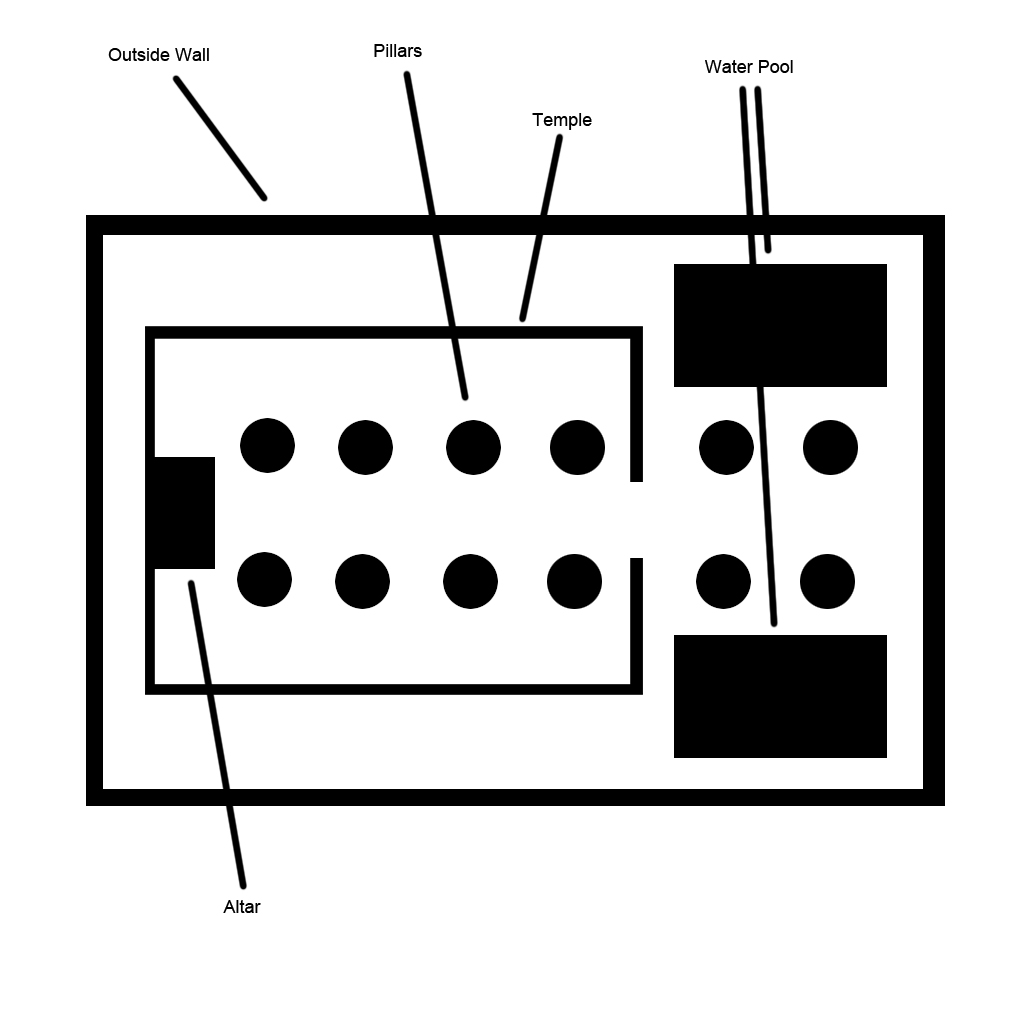
After those were finished, I started imagining what the layout of the level might be like. I thought of some bigger ideas, but I decided to keep it simple because I wanted to keep this a small project.

Here is the basic map I came up with. It isn't pretty, it is just utilitarian.


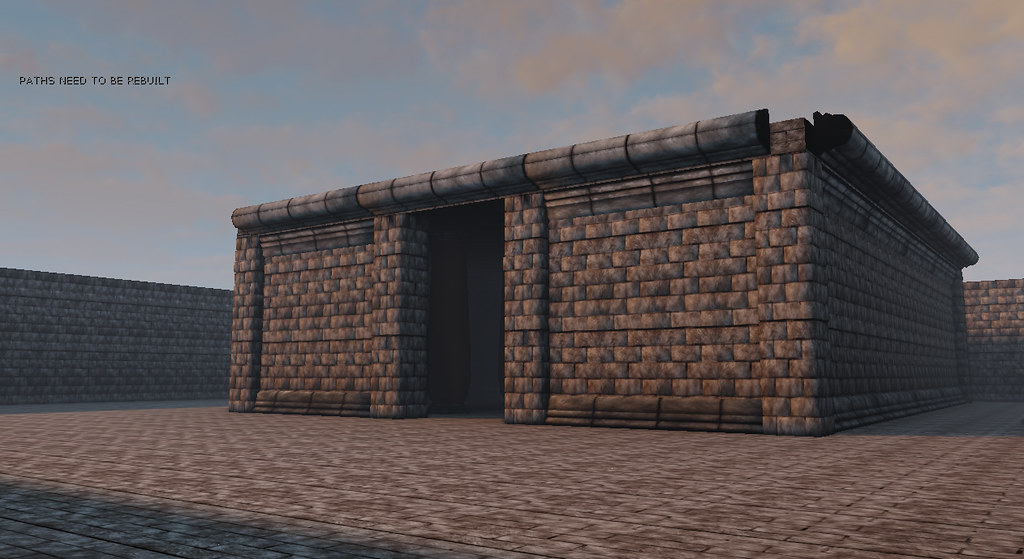
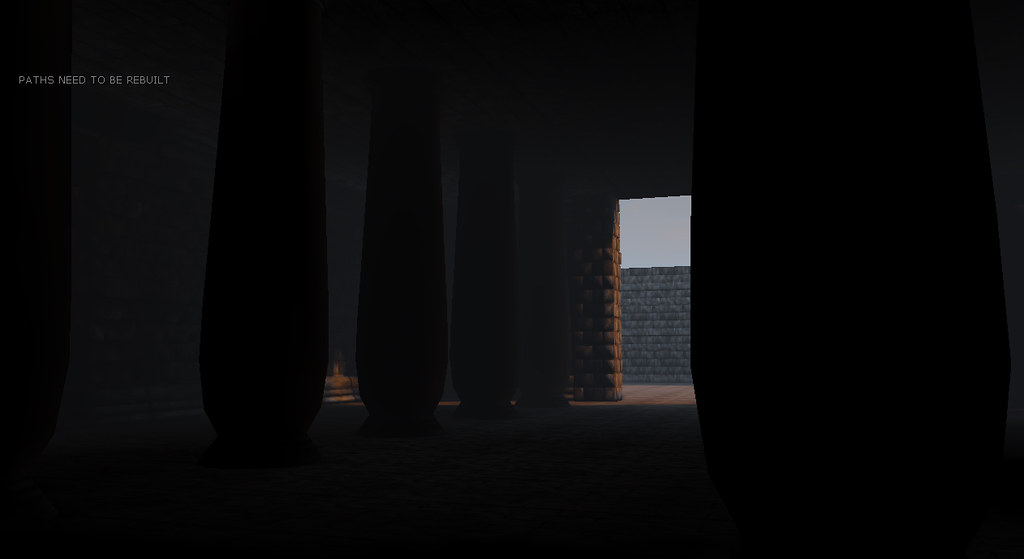
Here is where I have gotten to so far. I have the base wall and interior of the temple built. And I have the outer perimeter wall built. I still need to build a roof for the temple and build the courtyard garden outside the temple. Also the altar isn't finished. Despite all the missing stuff, I think it is coming along nicely.


That is all for now, I should have some more stuff to show about this soonish..

Thursday, July 28, 2011

unreal UDK level

I started planning and building a small UDK level yesterday.

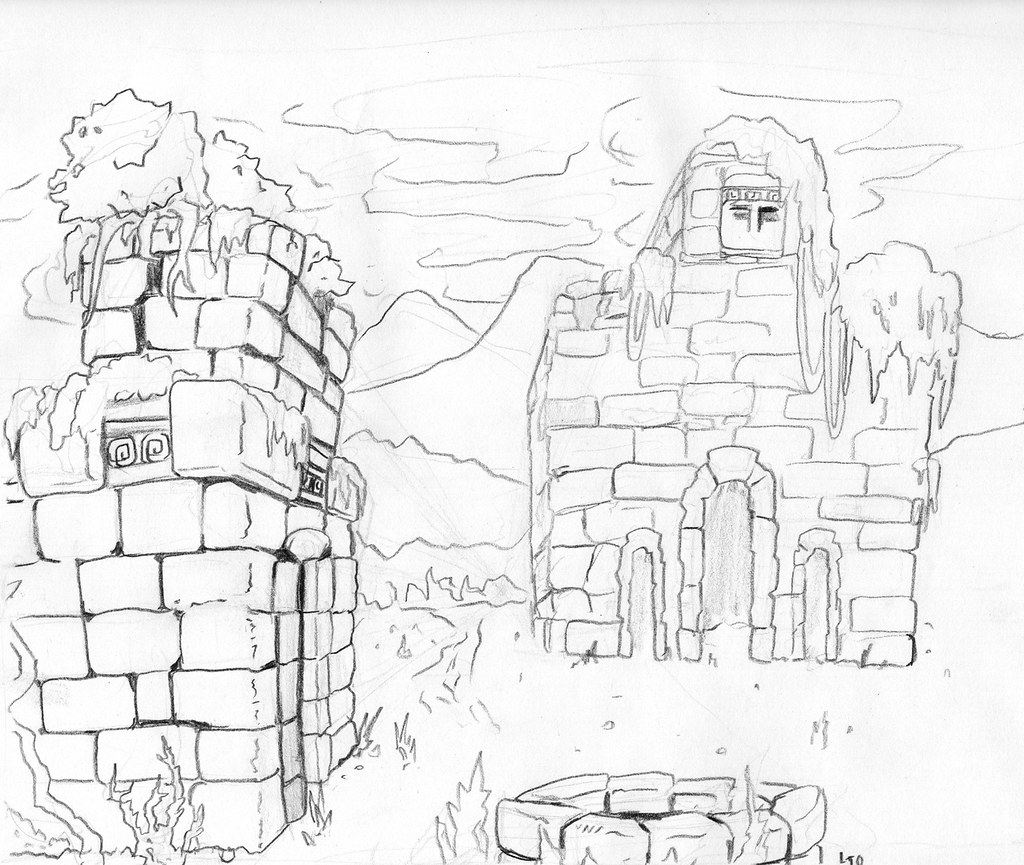
I began by doing some sketches of the sort of feel that I wanted..

I liked these concepts. I liked the idea of lots of rough hewn stone bricks..


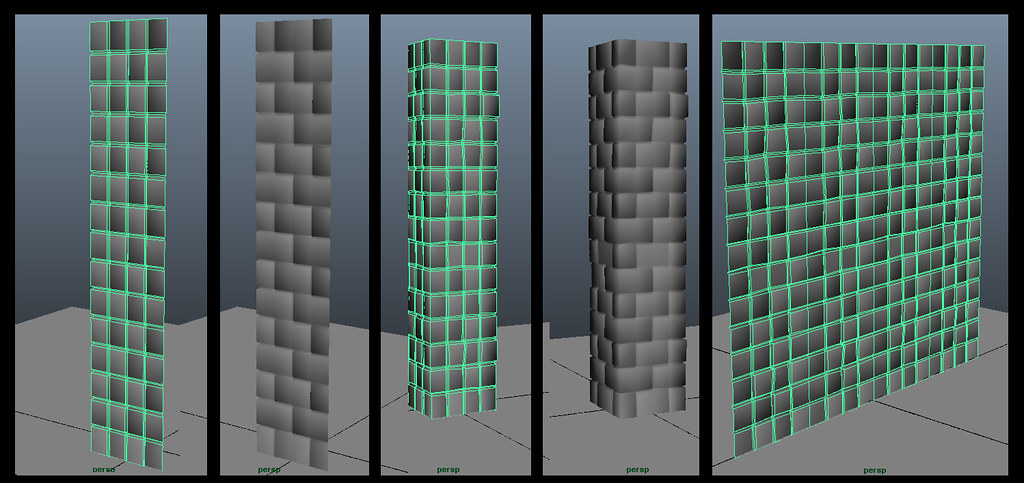
From there I started working on some static meshes in maya.


I made a small piece first, then I used that piece to make both a wall and a pillar.

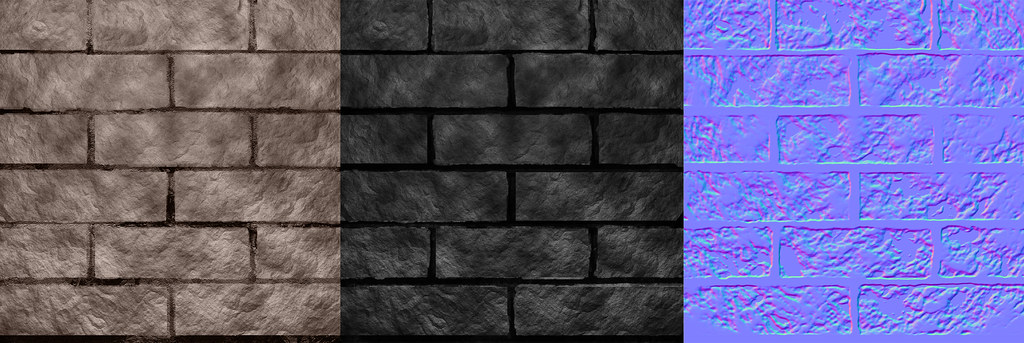
I mapped the small piece to work with a single repeating texture. I made textures in photoshop.
These textures were made with a combination of filters and painting, not photos were used.

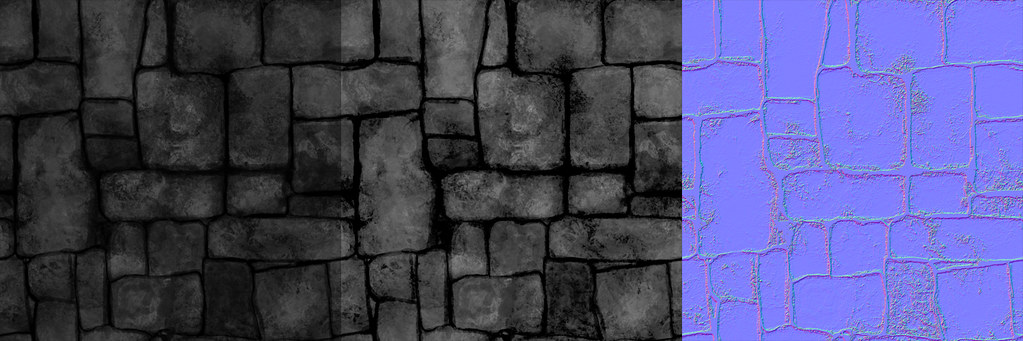
I started by using a combination of filters to make a realistic stone texture. The process was, clouds, add noise on one layer, then on an alpha channel use difference clouds and noise. Then on the first layer, use lighting effects with the alpha made earlier as the texture channel.
If done correctly you should get something close to the stone texture of the bricks on this texture. I tweaked it a lot to get the effect I wanted.

Here are my diffuse, specular, and normal maps.

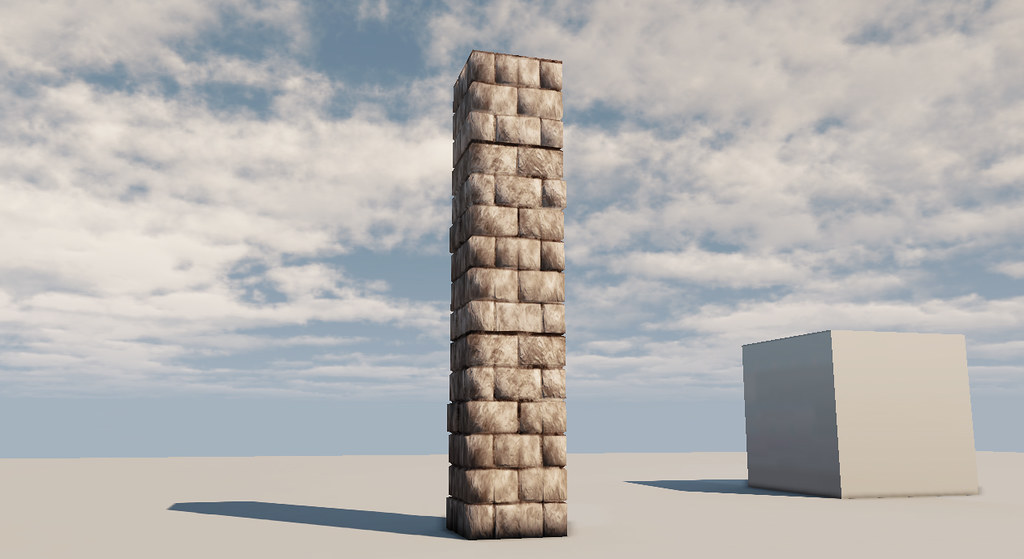
I then took all of the assets, (textures and meshes) into UDK to compile them together and take them for a testdrive. Here is what they look like so far.

The pillar

The wall, and border
(I built the border after, I will show stuff about that in the next post.)

Well that is all for now. I should have floor plans and have the level started by tomorrow. I also should have more assets finished.

Until then, stay tuned!